Meeting & Training
Manage data for requests to use shared company assets
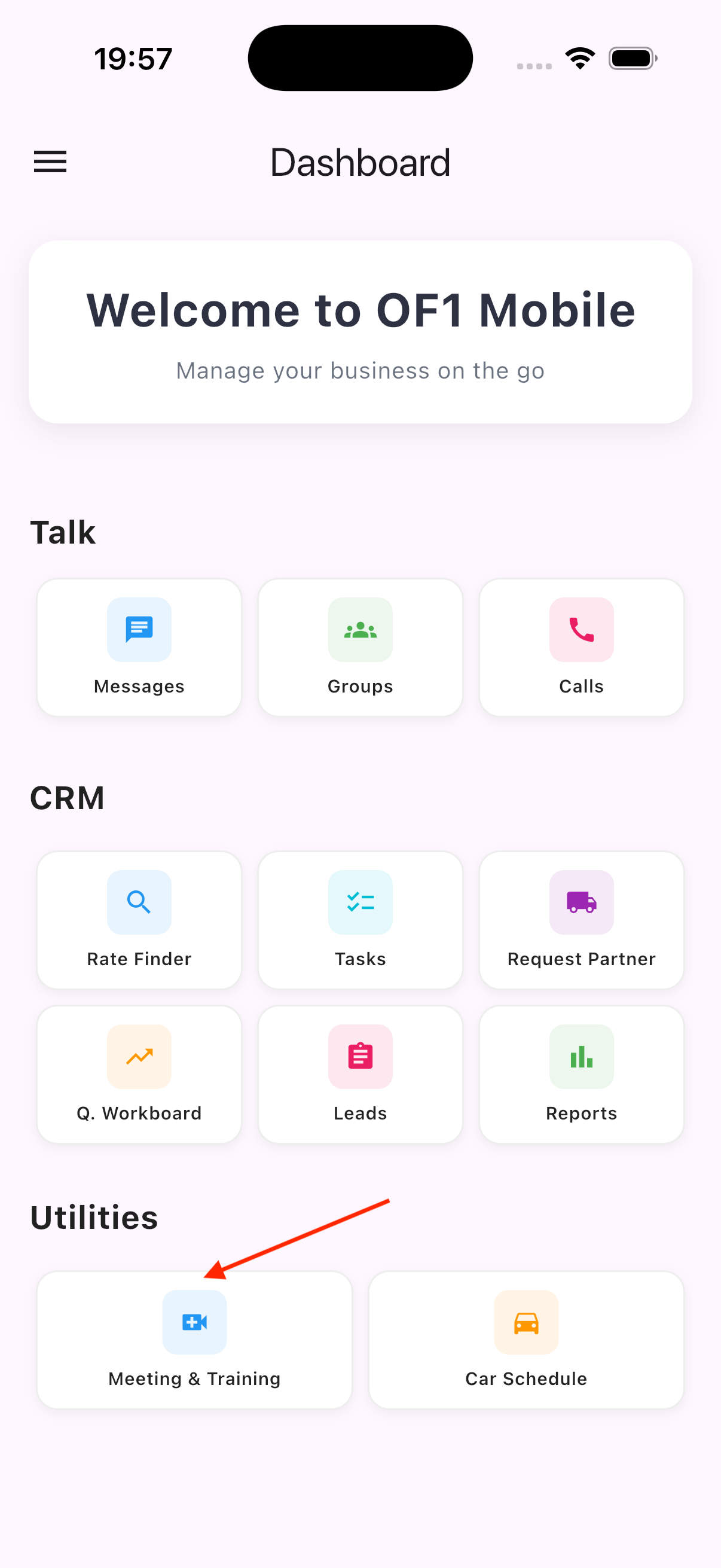
- On the
Dashboardscreen, selectMeeting & Training - The
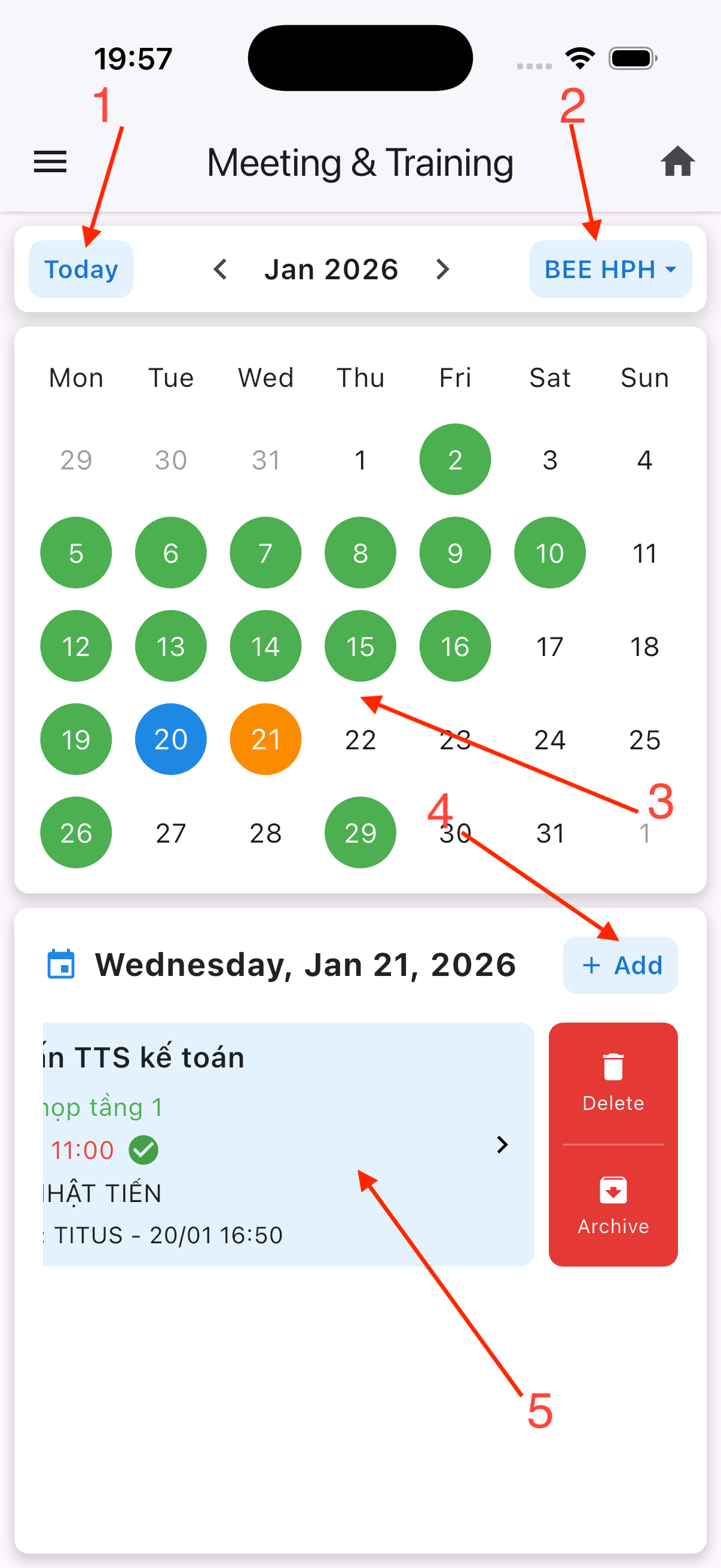
Meeting & Trainingscreen includes:
- 2.1. Jump to the current date
- 2.2. Switch between company-based view modes
- 2.3. Green indicates days with tasks, orange indicates the selected day, and blue indicates the current day
- 2.4. Open the task creation form
- 2.5. A list of tasks for the selected day. Tap on any task to open the edit form; swipe left and select
Deleteto remove a task, selectArchivefor storage a task
| 1 | 2 |
|---|---|
 |  |
Car Schedule
Manage data for requests to use shared company assets
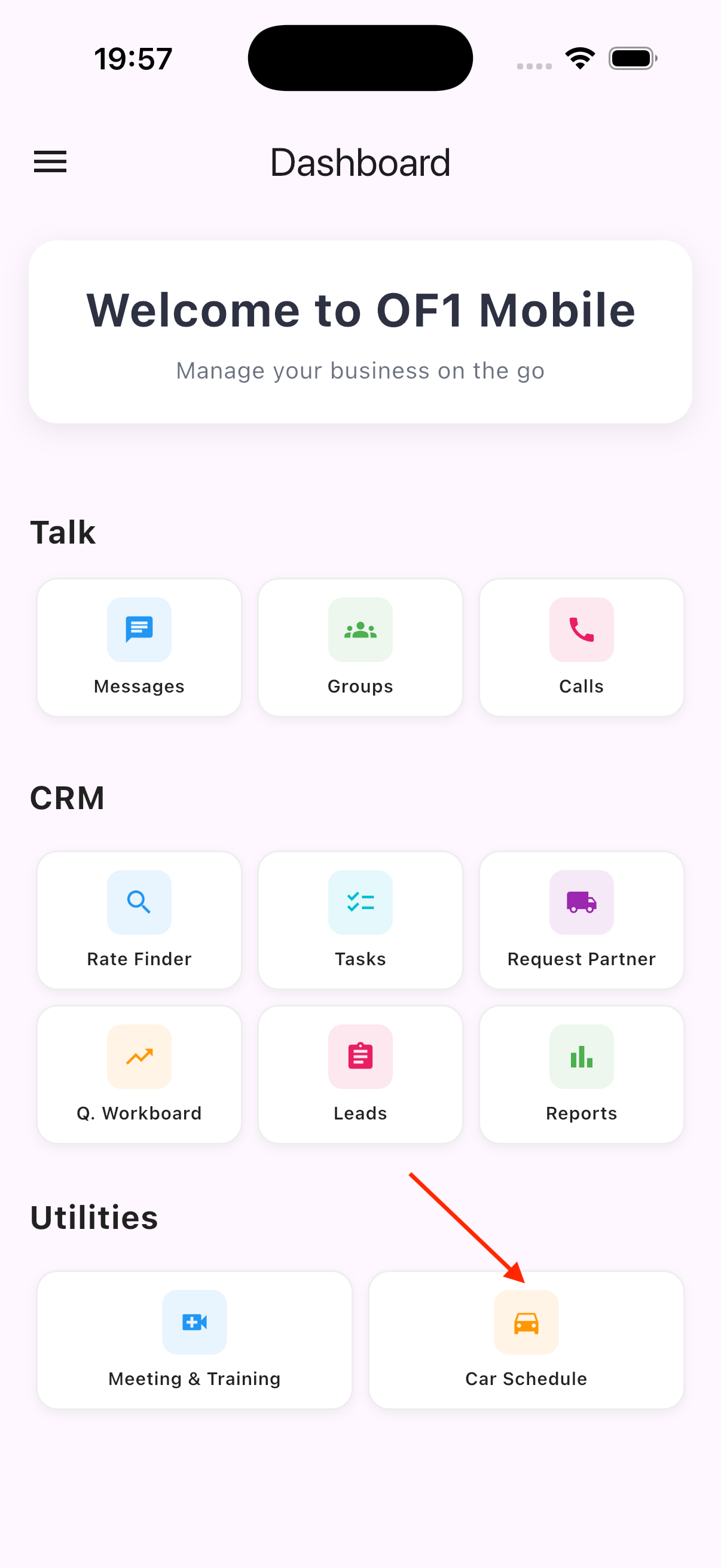
- On the
Dashboardscreen, selectCar Schedule - The
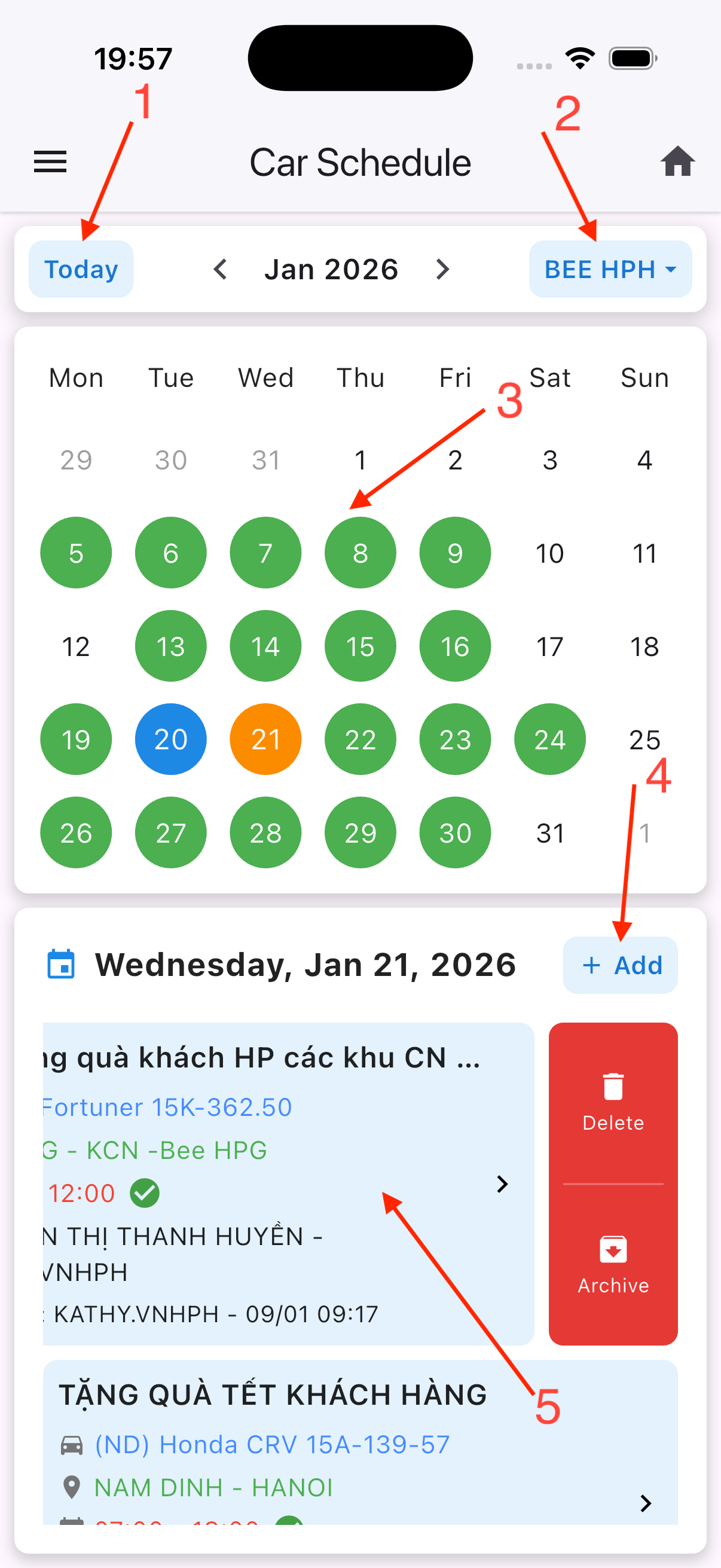
Car Schedulescreen includes: similar features toMeeting & Training
| 1 | 2 |
|---|---|
 |  |