System
Welcome to the Bee Logistics system user guide. In this guide, we will help you get started using the system quickly and efficiently.
System Access
To start using Bee Logistics, follow these steps:
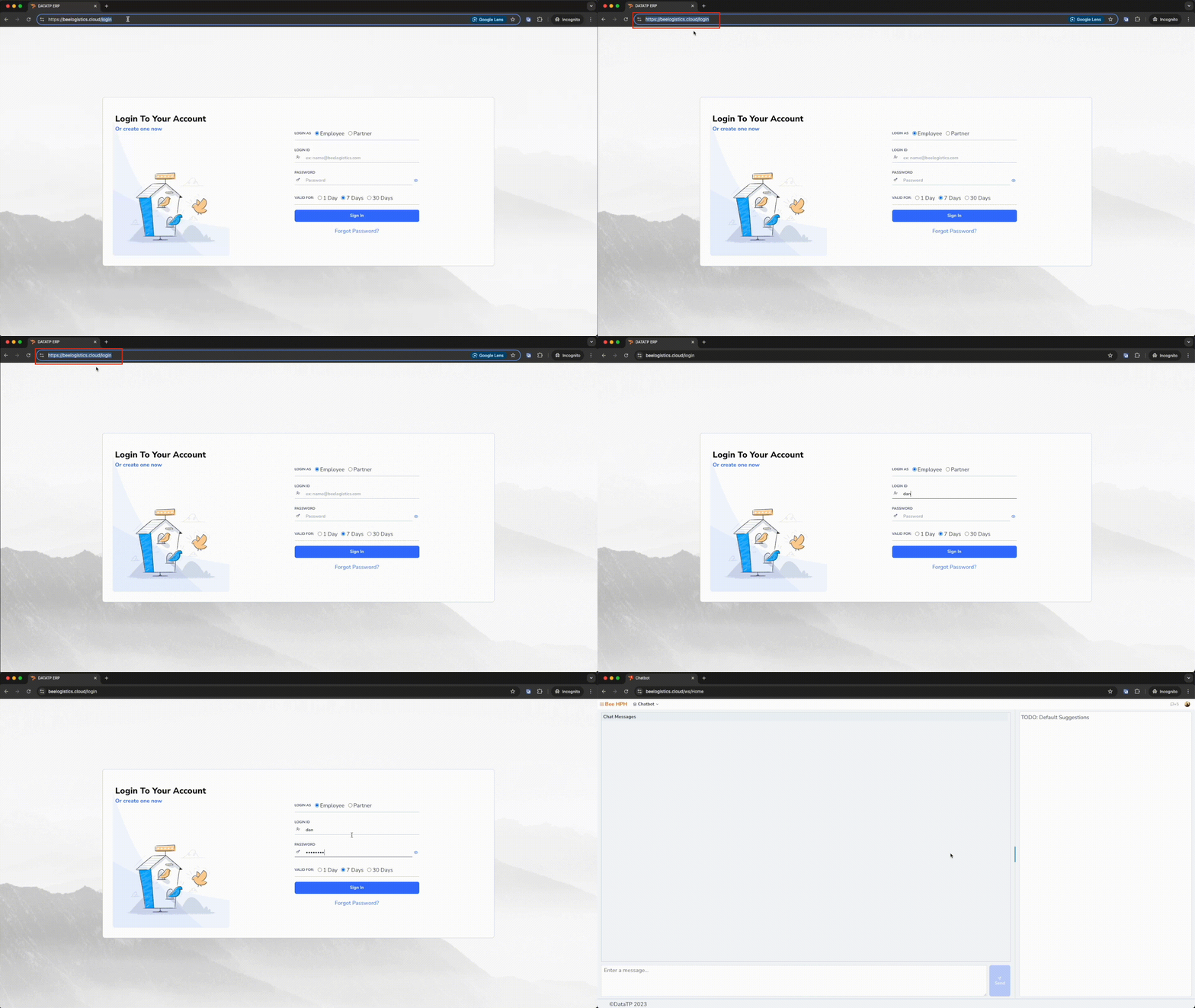
- Open your web browser (Google Chrome, Firefox, Safari, etc.).
- Enter the address https://beelogistics.cloud in the address bar.
- Press Enter to access the official Bee Logistics website.
System Login
After accessing the website, you need to log in to use the system features:
- On the homepage, enter your login information:
- Username: [Your assigned username]
- Password: [Your password]
- Click the "Login" button to access the system.
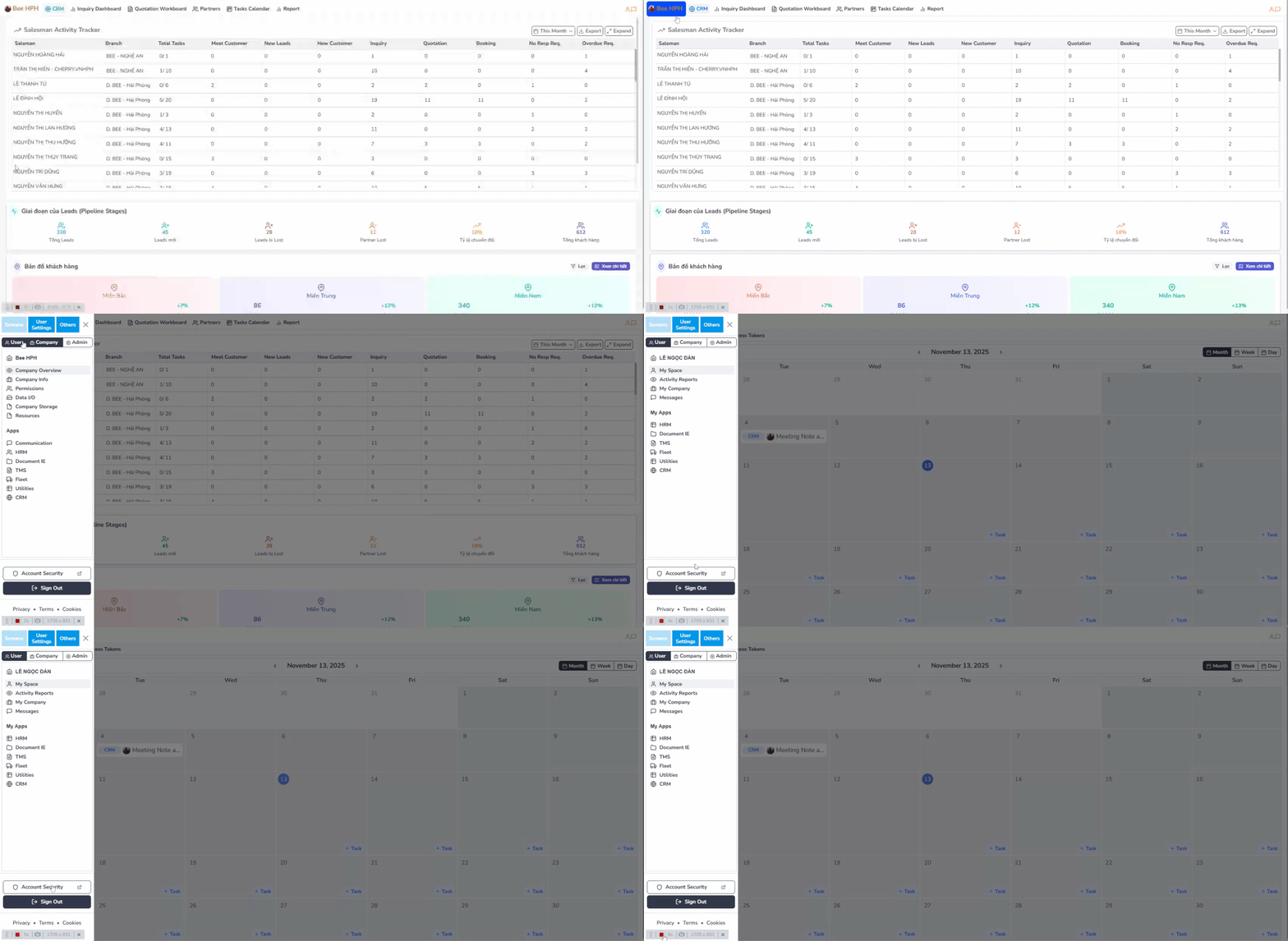
Change Password:
- Access the app ⟶ select "Account Security"
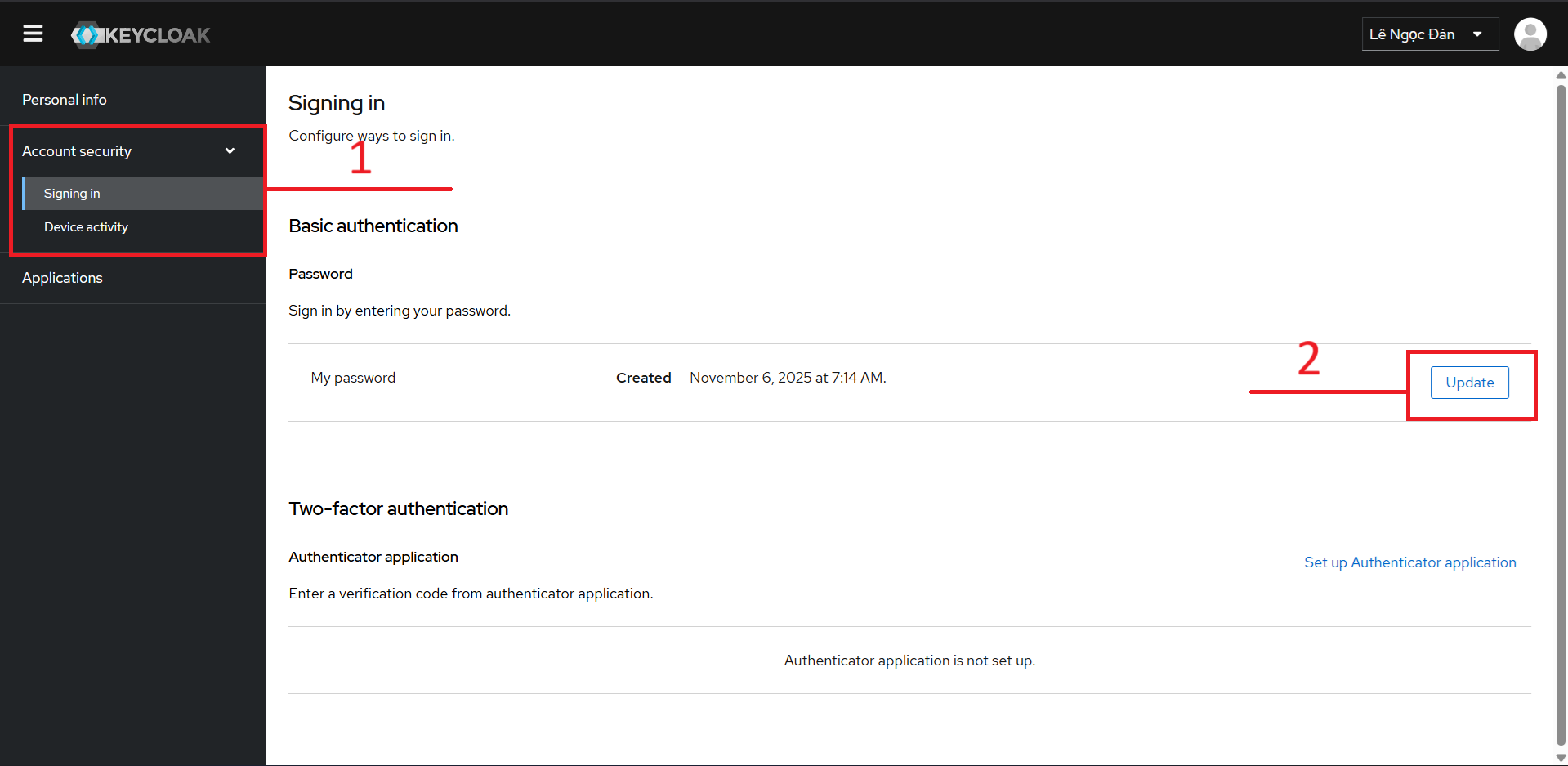
- In the
Account Securitytab ⟶ select "Signing in" ⟶ select "Update"
- Enter new password (at least 8 characters, including uppercase, lowercase letters and numbers) ⟶ Confirm new password ⟶ Click "Submit" to save changes
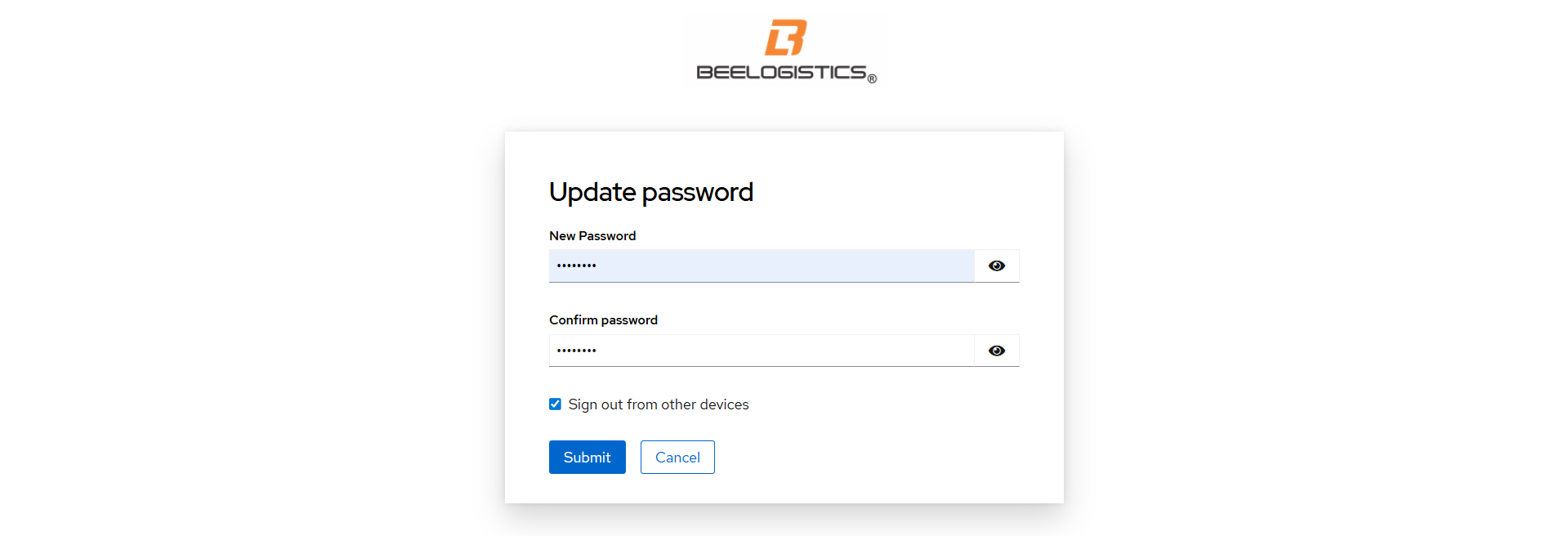
Note: Regularly change your password to ensure account security.
Forgot password:
- In the login screen, select "Forgot Password?"
- Fill in
Usernamein the format shown in the image below and select "Submit". If the screen displays "Reset instructions sent successfully", it is successful, please check your email to get the temporary password.
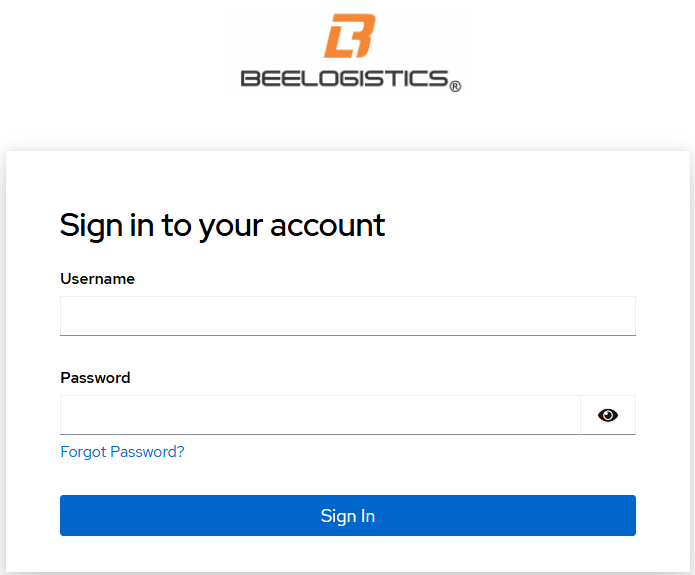 | 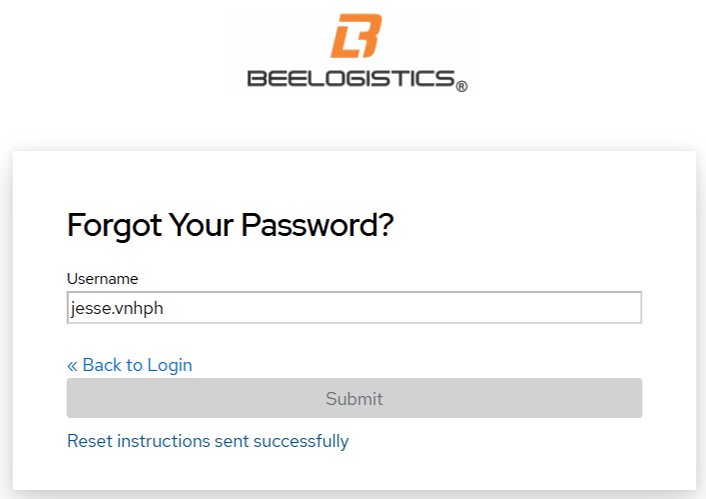 |
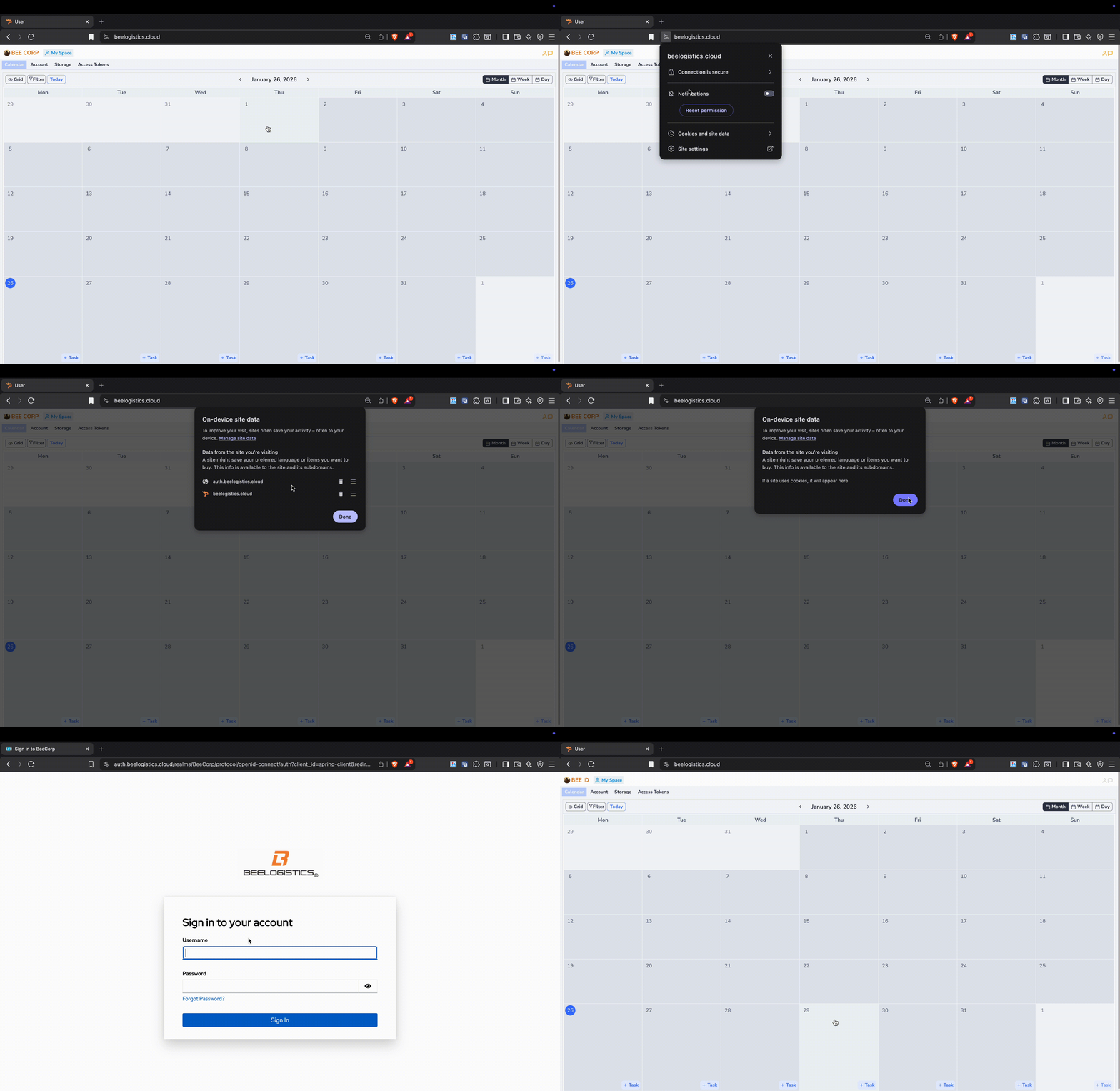
Clear Cookies And Site Data.
- In the upper right corner of the screen, select the left icon (View site information) next to the website address
https://beelogistics.cloud/⟶ SelectCookies and site data⟶ SelectManage on-device site data⟶ Select the trash icon ofauth.beelogistics.cloudandbelogistics.cloudto delete ⟶ SelectDone⟶ SelectReloador F5 / Cmd + R to reload the page ⟶ Log in and use normally.