Rate Finders
Manage quotation data, create quotation requests, and send quotations to customers via email
- On the
Dashboardscreen, selectRate Finder - The
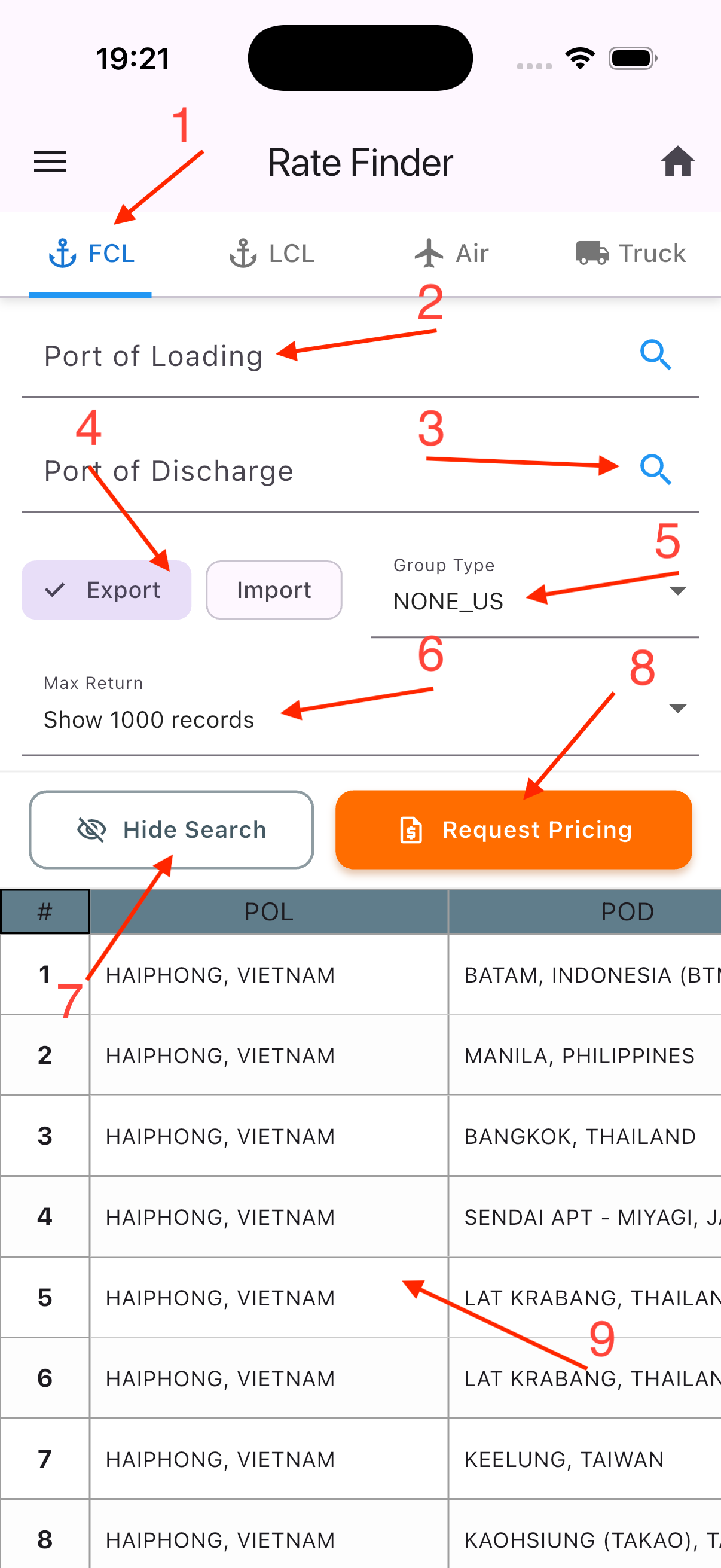
Rate Finderscreen includes:
-
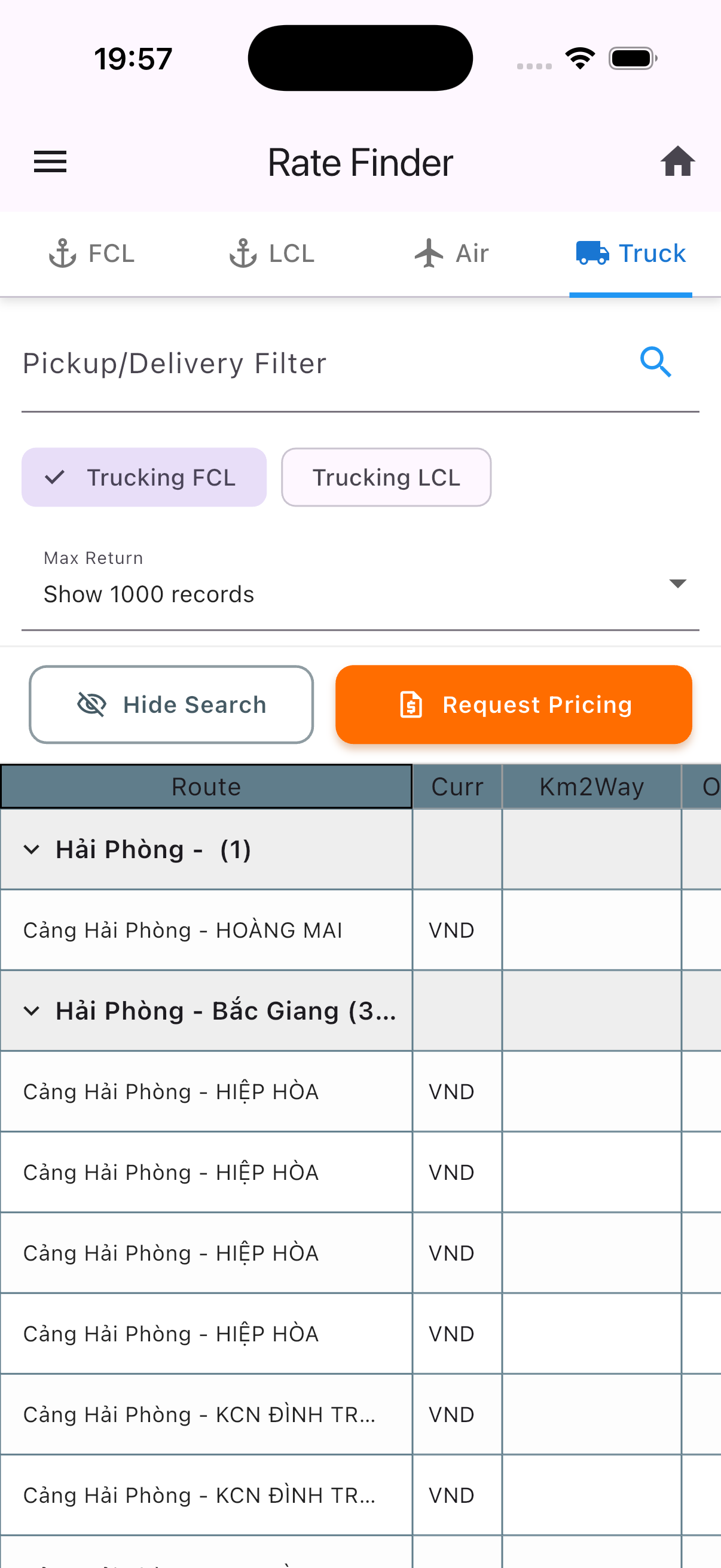
2.1. Switch between different modes
-
2.2. Search and filter data by specific locations
-
2.3. Open the location list popup
-
2.4. Switch between
exportandimport -
2.5. Switch between different
group -
2.6. Select the number of quotations to be returned
-
2.7. Hide the search panel
-
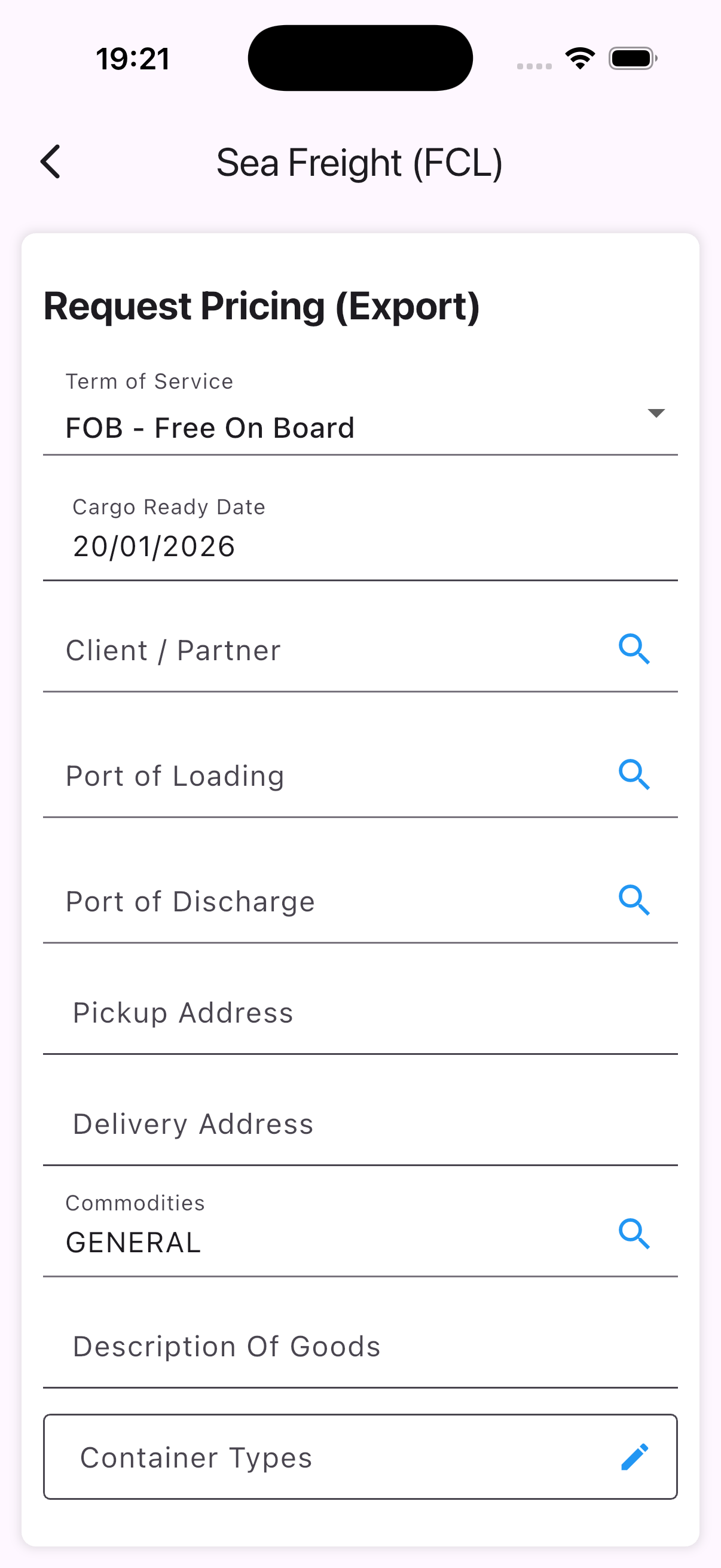
2.8. Open the quotation form
-
2.9. List of quotation data
1 2 3 4 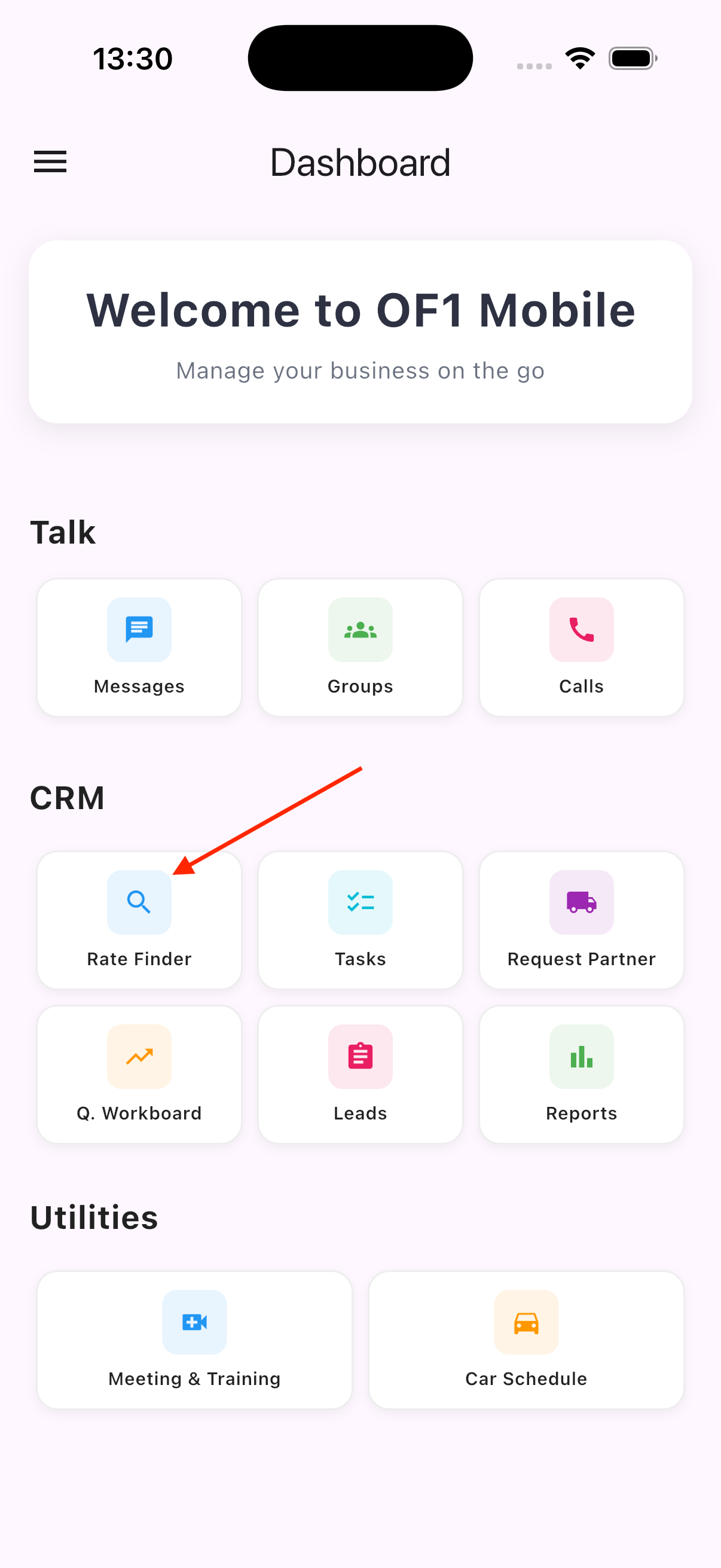
Quotation Workboard
Manage data for quotation requests
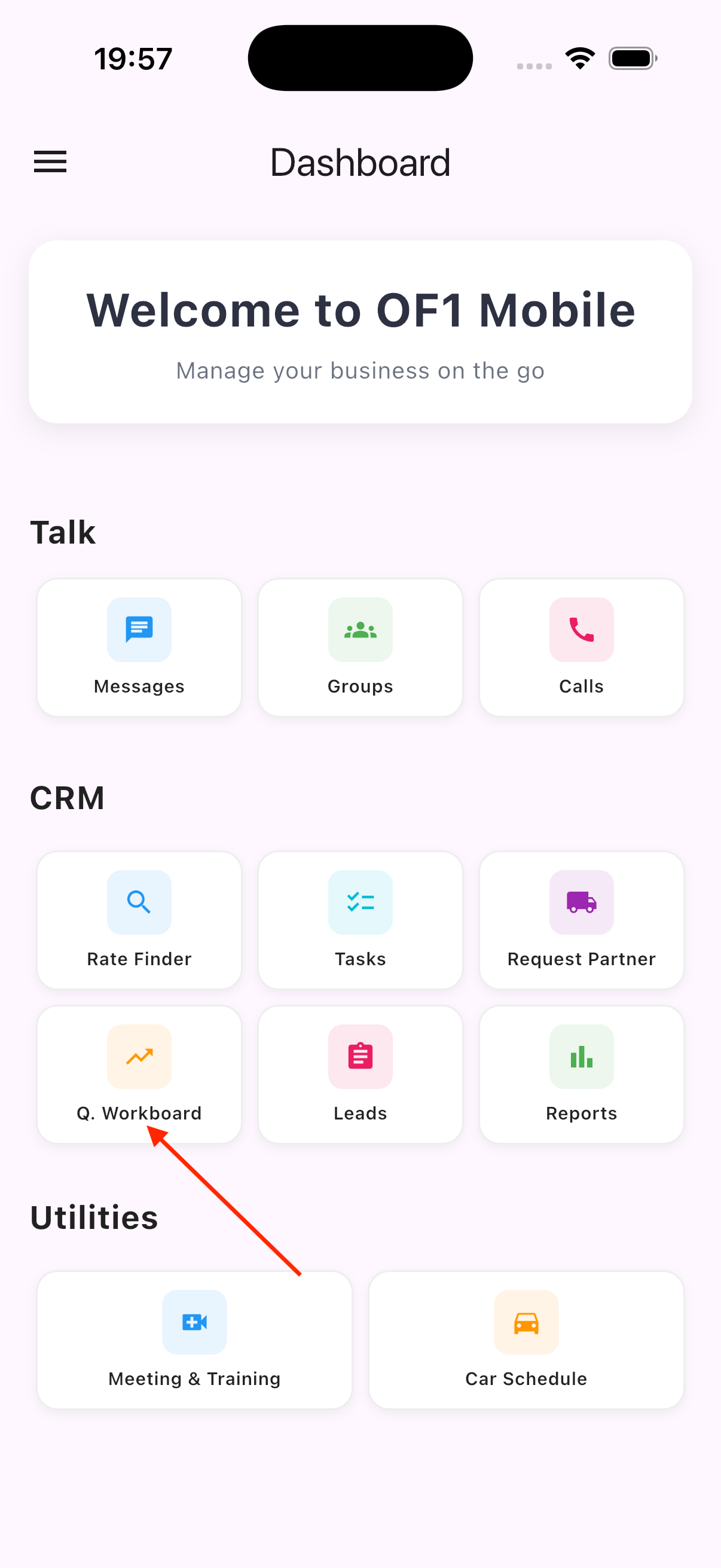
- On the
Dashboardscreen, selectQuotation Workboard - The
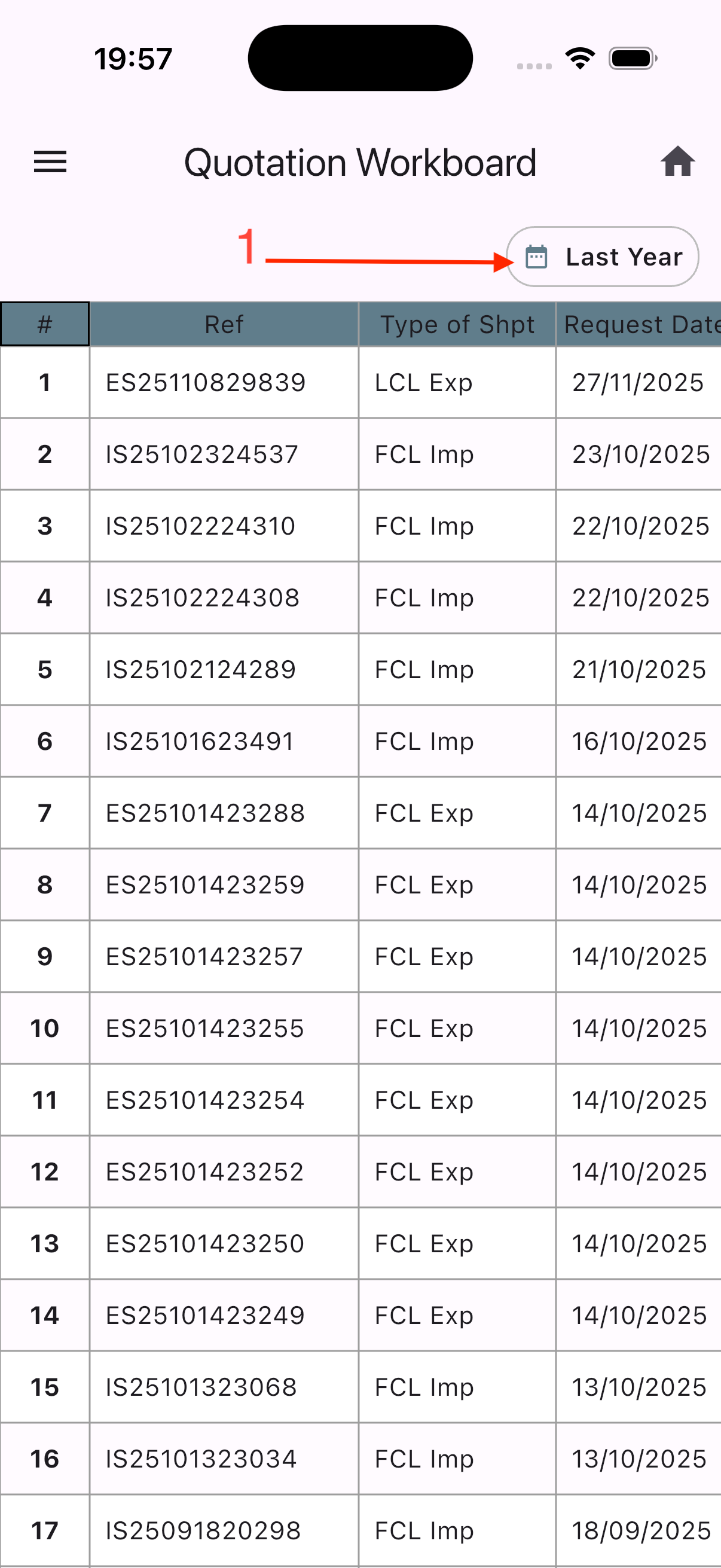
Quotation Workboardscreen includes:
- A time-based data filter
- A list of quotations that have been sent to customers
| 1 | 2 |
|---|---|
 |  |