Task Calendar
Manage task data. Quotation requests that have been sent to customers are also stored here with the type quotation
-
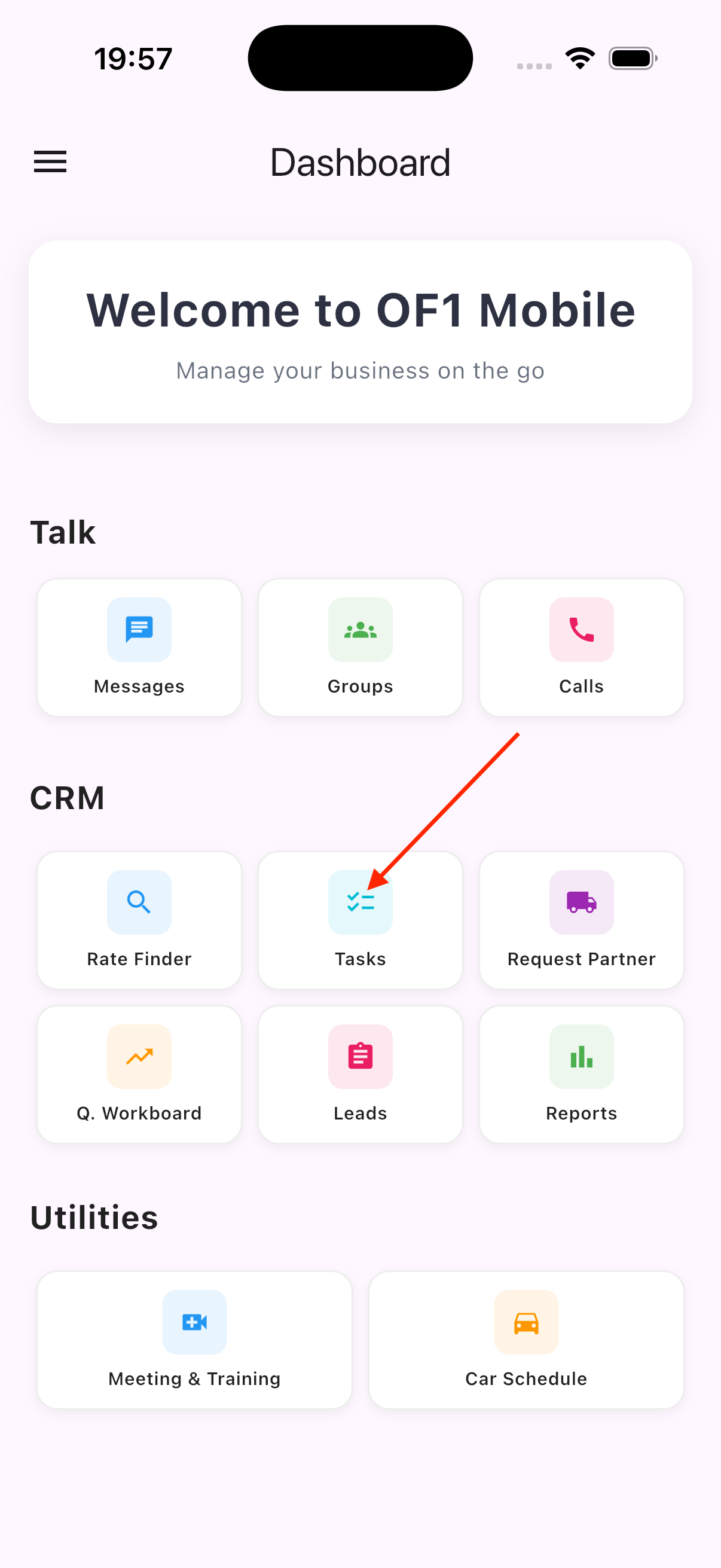
On the
Dashboardscreen, selectTasks -
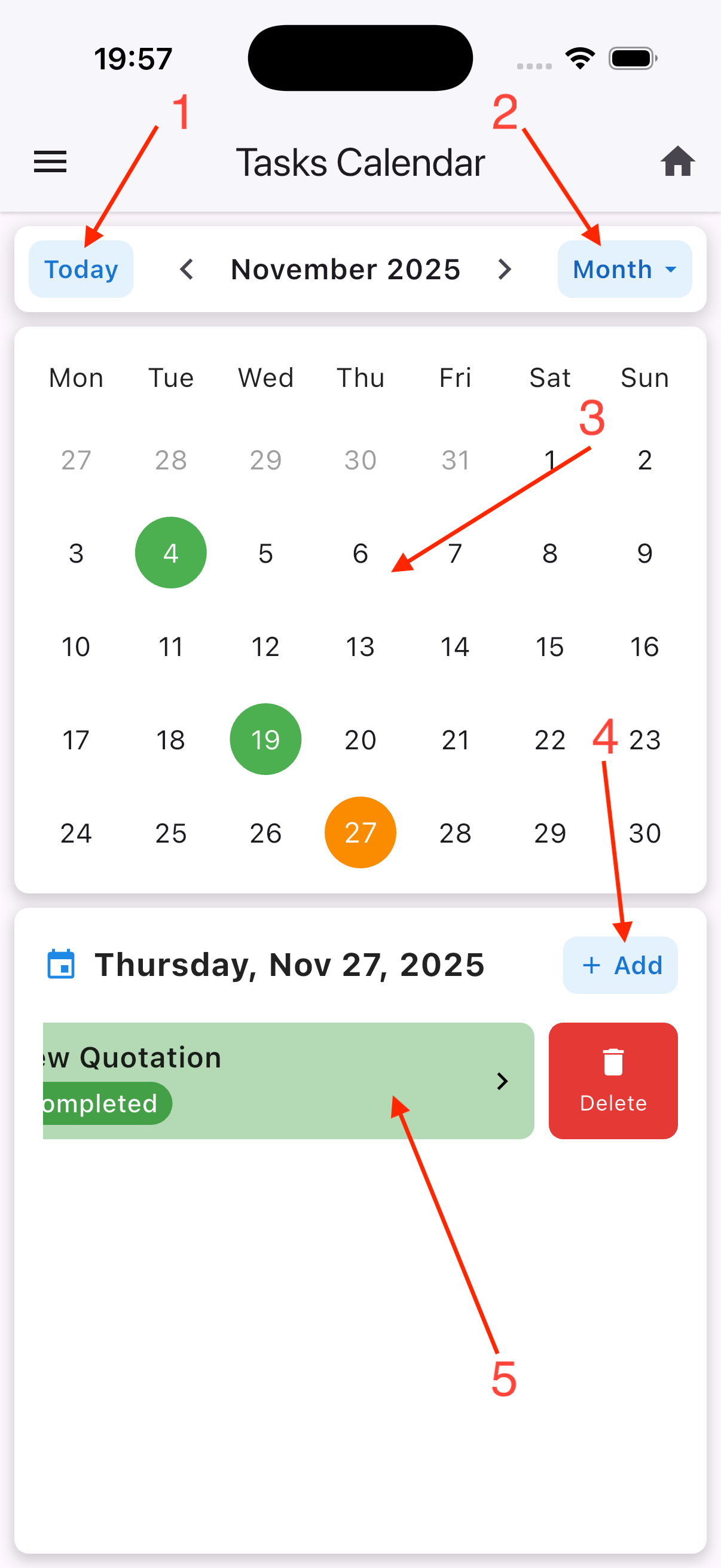
The
Tasksscreen includes:
- 2.1. Jump to the current date
- 2.2. Switch between day/week/ month view modes
- 2.3. Green indicates days with tasks, orange indicates the selected day, and blue indicates the current day
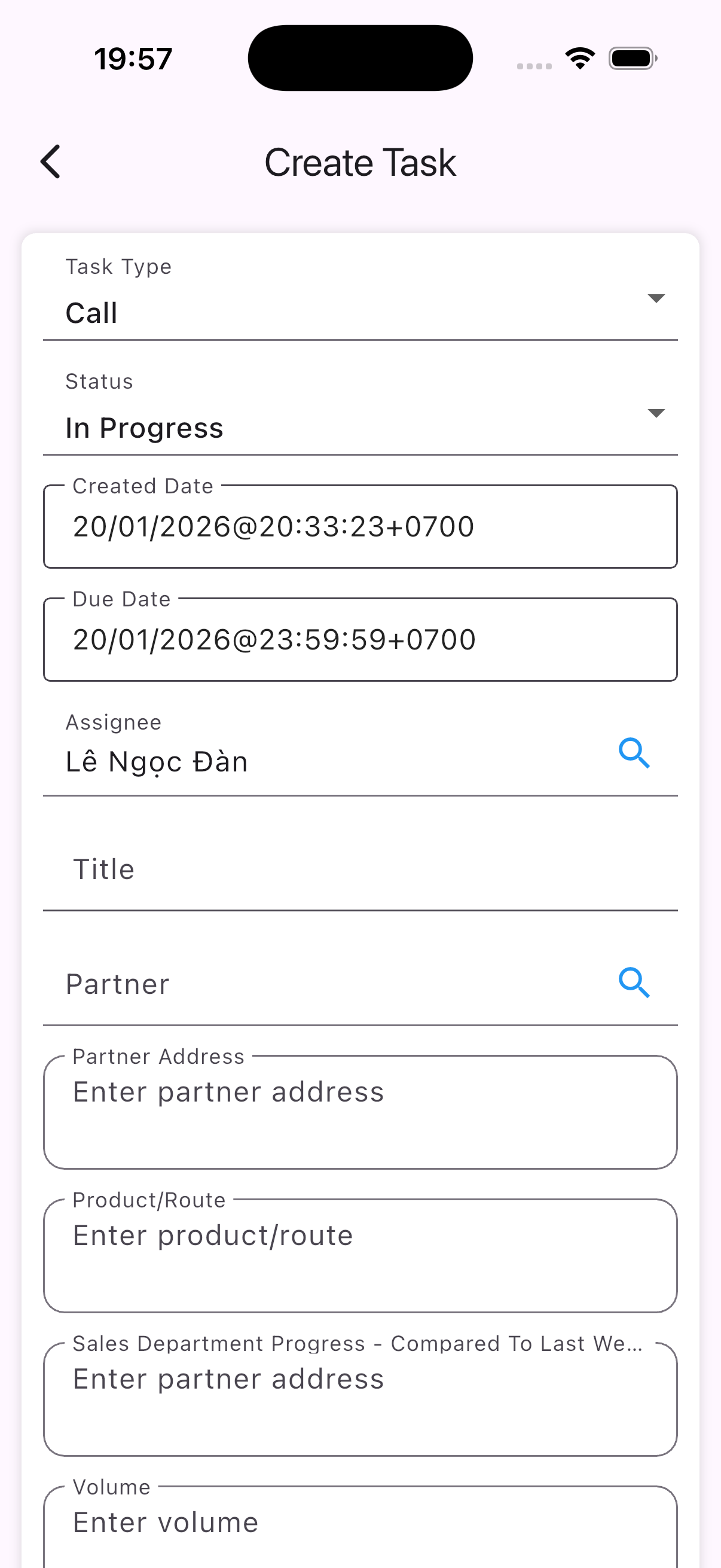
- 2.4. Open the task creation form
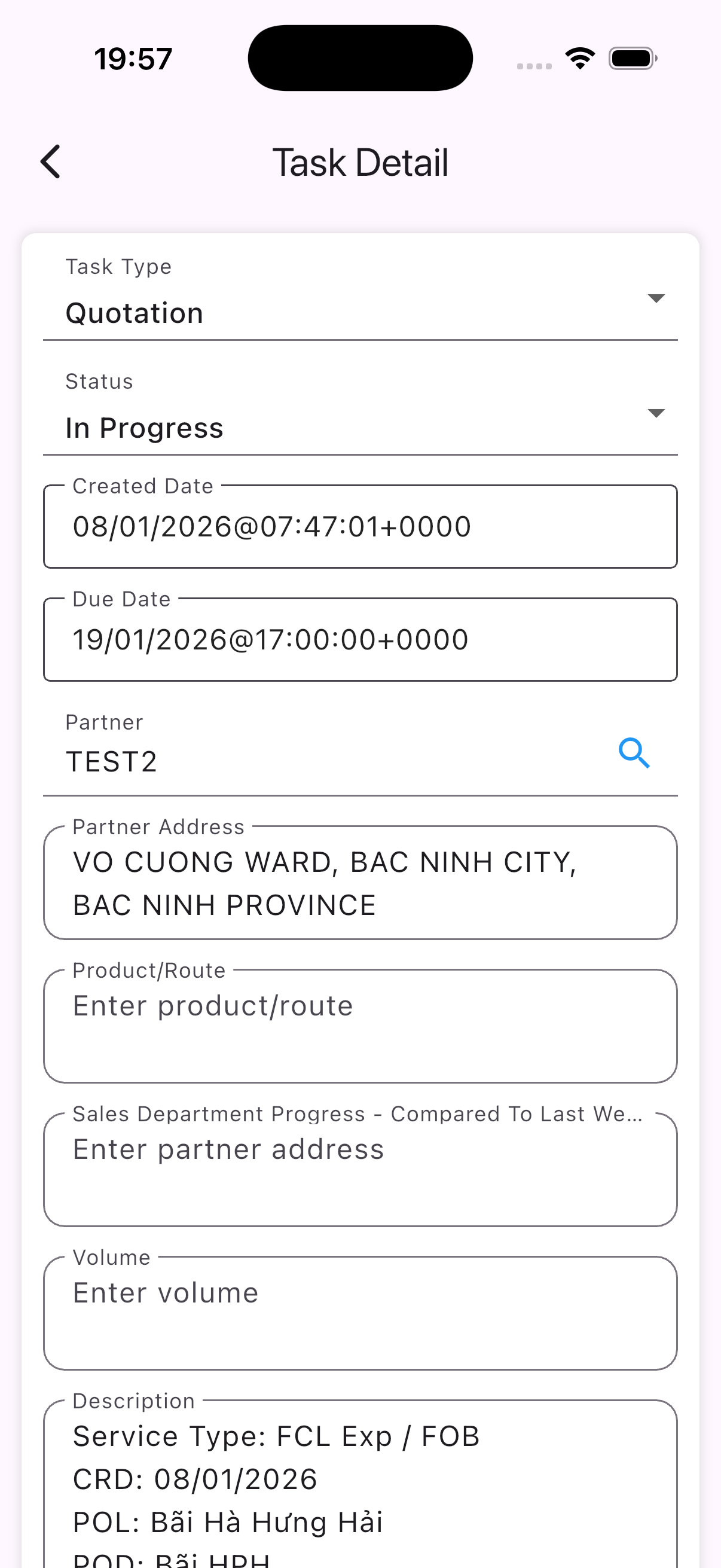
- 2.5. A list of tasks for the selected day. Select any task to open the edit form; swipe left and select
Deleteto remove a task
| 1 | 2 | 3 | 4 |
|---|---|---|---|
 |  |  |  |